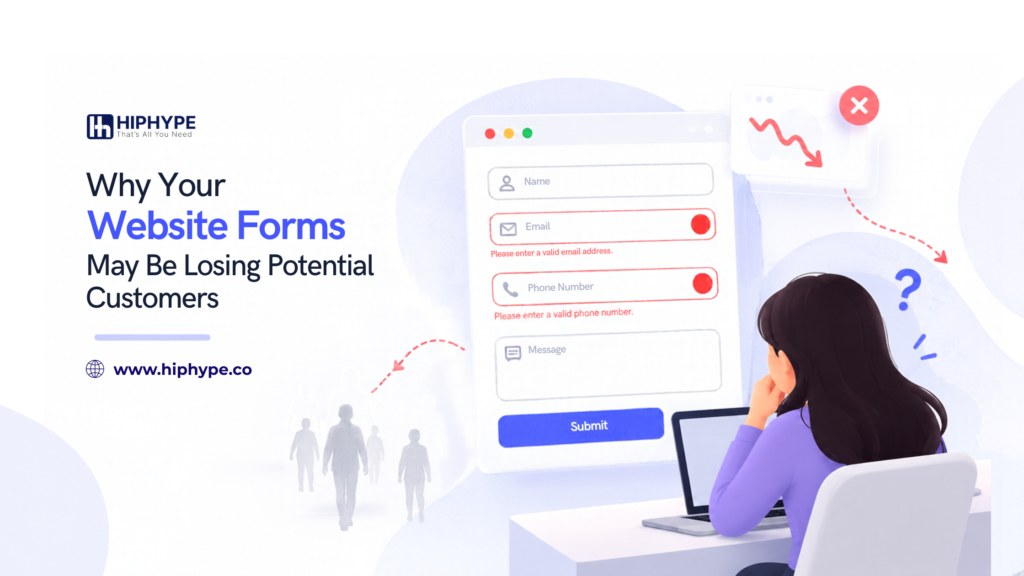
Your website may attract visitors who are interested in your services, but some of them leave without submitting your contact form. When this happens, the problem may not be your traffic. It could be the experience visitors have while filling out your form.
Website forms help businesses collect enquiries, generate leads, and connect with potential customers. If a form is confusing, difficult to complete, or fails to work properly, it can create unnecessary barriers between your business and potential leads.
Here are common website form problems and practical ways to address them.
1. Asking for Too Much Information
Long forms can discourage visitors, especially when they only want to make a simple inquiry.
For example, someone requesting a consultation may not need to provide their company size, annual revenue, job title, and several other details at the first stage.
How to improve it:
- Ask only for information needed at that stage.
- Make optional fields clearly optional.
- Collect additional details later when necessary.
Review each field and consider whether the information is genuinely required.
2. Unclear Labels and Instructions
Visitors should understand what each field requires without having to guess. Labels such as “Details” or “Information” may be unclear when the expected response is not explained.
How to improve it:
- Use descriptive labels such as “Business Email” or “How Can We Help?”
- Provide short instructions where needed.
- Show the expected format for fields such as phone numbers.
Clear instructions help visitors complete forms with fewer mistakes.
3. Confusing Error Messages
Visitors may struggle to submit a form if an error message does not explain what went wrong. Messages such as “Invalid input” offer little guidance about how to fix the issue.
How to improve it:
- Identify the field that needs attention.
- Explain the problem in simple language.
- Preserve information already entered when an error occurs.
- Check that validation works correctly on desktop and mobile devices.
Useful error messages make it easier for visitors to correct mistakes and continue.
4. Poor Mobile Form Experience
A form that works well on a desktop may be frustrating on a smaller screen. Small input fields, crowded layouts, difficult dropdowns, and unsuitable keyboards can make completion harder.
How to improve it:
- Use input fields that are easy to tap.
- Keep the layout simple and readable.
- Choose suitable keyboard types for email addresses and phone numbers.
- Test the complete submission process on different mobile devices.
Check the entire journey, not just how the form looks.
5. A Form That Does Not Work Properly
Technical problems can prevent potential customers from submitting enquiries. A button may not respond, a required field may behave incorrectly, or a submission may fail without a clear explanation.
How to improve it:
- Test forms regularly using real submissions.
- Check whether enquiries reach the correct email address or CRM.
- Review form errors and failed submissions.
- Confirm that visitors see a clear confirmation after successful submission.
A form should be tested from the visitor’s perspective, from the first field to the final confirmation.
6. No Clear Next Step After Submission
Submitting a form should not leave visitors wondering whether their enquiry was received.
How to improve it:
- Display a clear success message.
- Explain what happens next.
- Provide an expected response timeframe only when your business can meet it.
- Check that confirmation emails work when they are part of the process.
A clear confirmation creates a more professional experience and sets expectations.
How to Identify Website Form Problems
Start by reviewing form submissions, analytics events, and any available error logs. Compare form activity across desktop and mobile devices, and check whether visitors begin filling out a form but fail to complete it.
Tools such as Google Analytics 4 can help track form interactions when events are configured correctly. Session recordings or usability testing may provide additional context, provided tracking is implemented appropriately and privacy requirements are followed.
Avoid assuming that every incomplete form indicates a design problem. Visitors may leave for several reasons, so use the available evidence to identify what needs investigation.
Conclusion
Website forms play an important role in turning interested visitors into potential customers. Unnecessary fields, unclear instructions, mobile usability problems, and technical errors can make the process more difficult than it needs to be.
Review your forms regularly, test the complete submission journey, and use reliable data to guide improvements. Small, evidence-based changes can help create a smoother experience for visitors and make it easier for them to contact your business.
Frequently Asked Questions
1. Why are visitors not submitting my website form?
Possible reasons include too many fields, unclear instructions, technical errors, privacy concerns, or a difficult mobile experience. Review form data and test the submission journey to identify likely issues.
2. How many fields should a website form have?
There is no ideal number for every website. Include only the fields needed for the form’s purpose, and remove questions that do not provide enough value to justify asking them.
3. How can I improve website form conversions?
Make forms easy to understand, reduce unnecessary fields, provide useful error messages, improve mobile usability, and test that submissions work correctly.
4. Why is my contact form not working?
Common causes include validation errors, broken integrations, configuration issues, or email delivery problems. Test the form and check submission logs, integrations, and notification settings.
5. Should all website form fields be required?
No. Make a field mandatory only when the information is genuinely necessary. Clearly mark optional fields so visitors understand what they need to complete.
6. How can I track website form abandonment?
Configure analytics events for form starts, validation errors, and successful submissions where supported. Compare these events carefully, because a form start and a completed submission may not always be tracked in the same way.
7. Can improving website forms help generate more leads?
Yes, improving usability and fixing submission problems may make it easier for visitors to enquire. The actual impact depends on your audience, offer, traffic quality, and the issues identified.